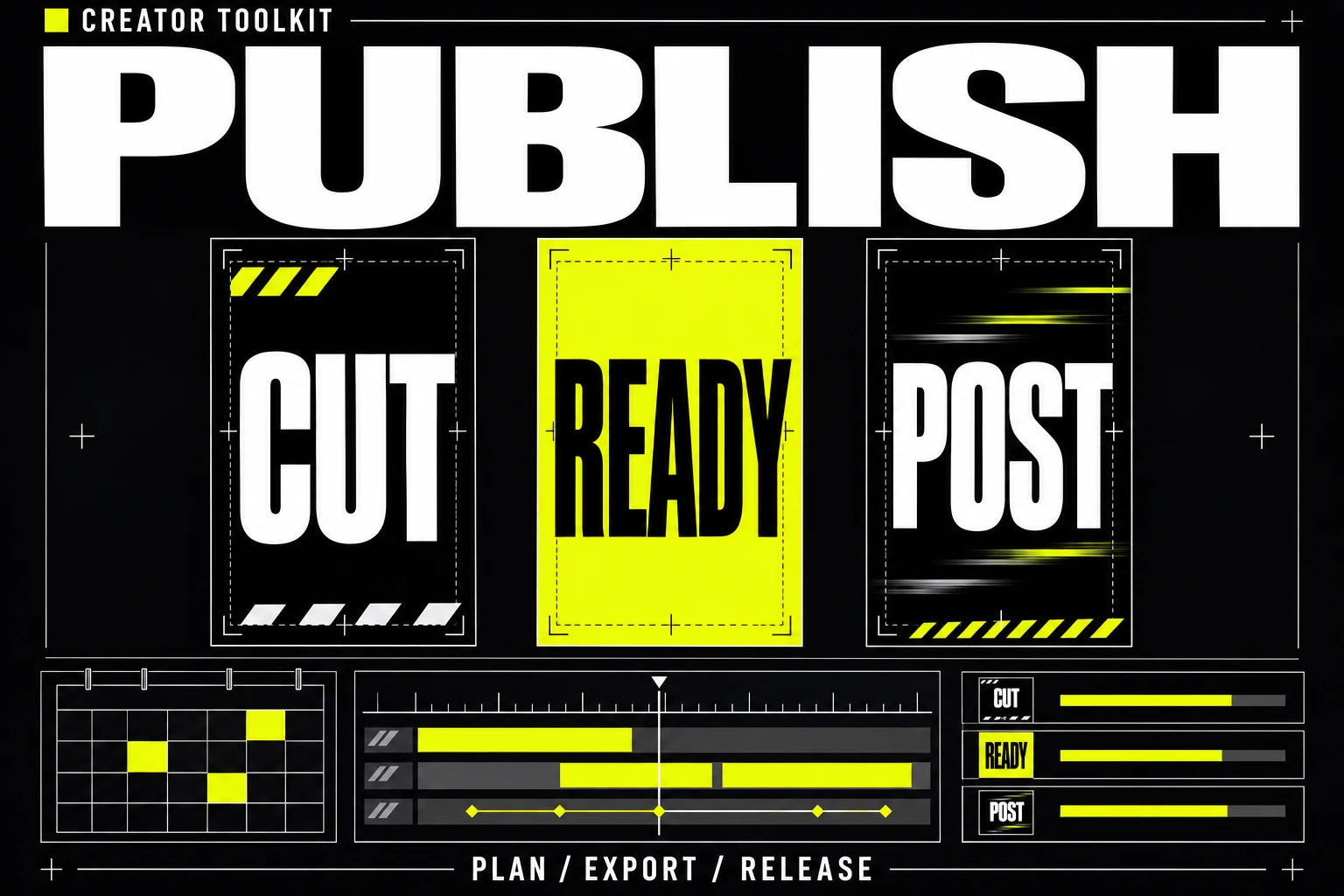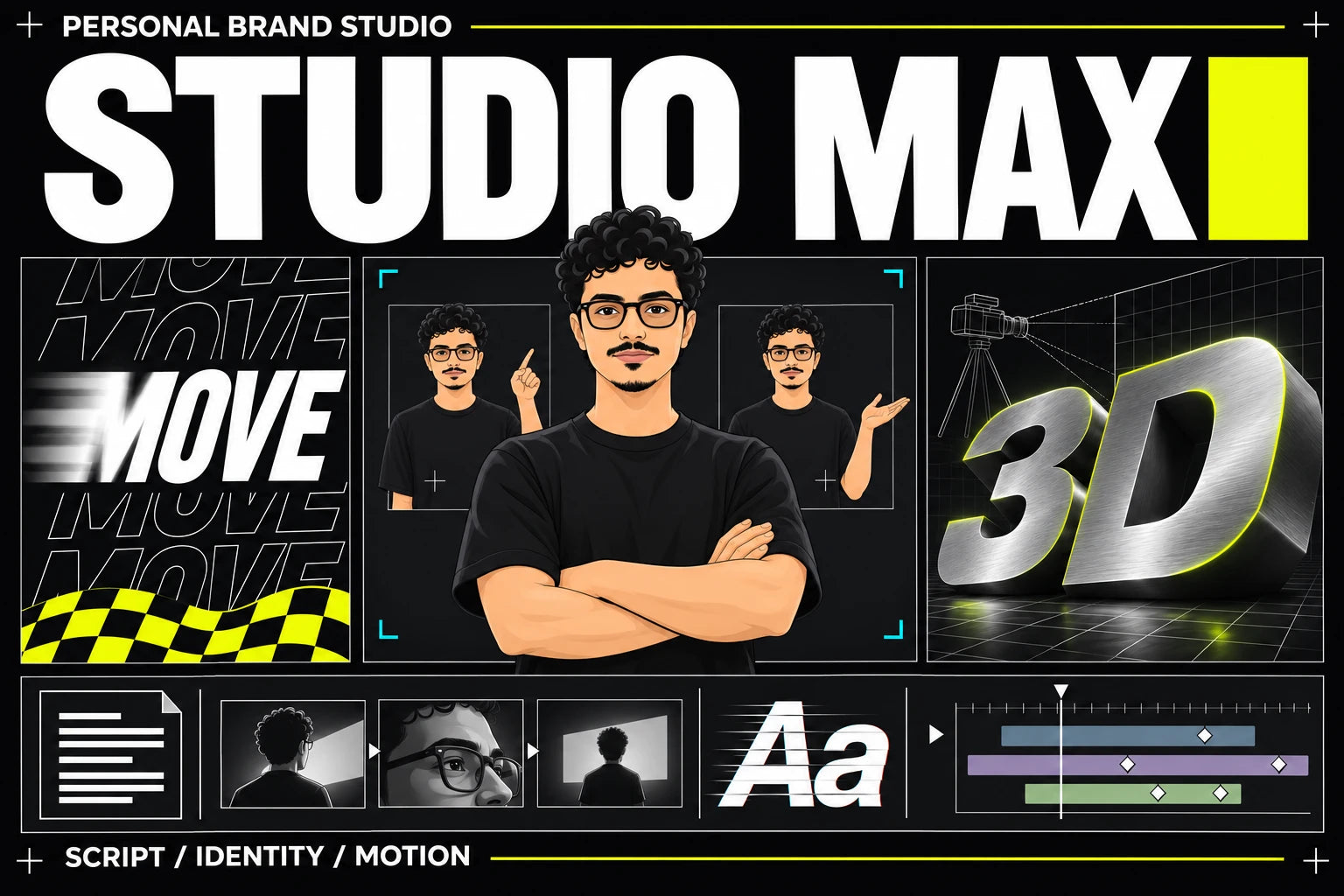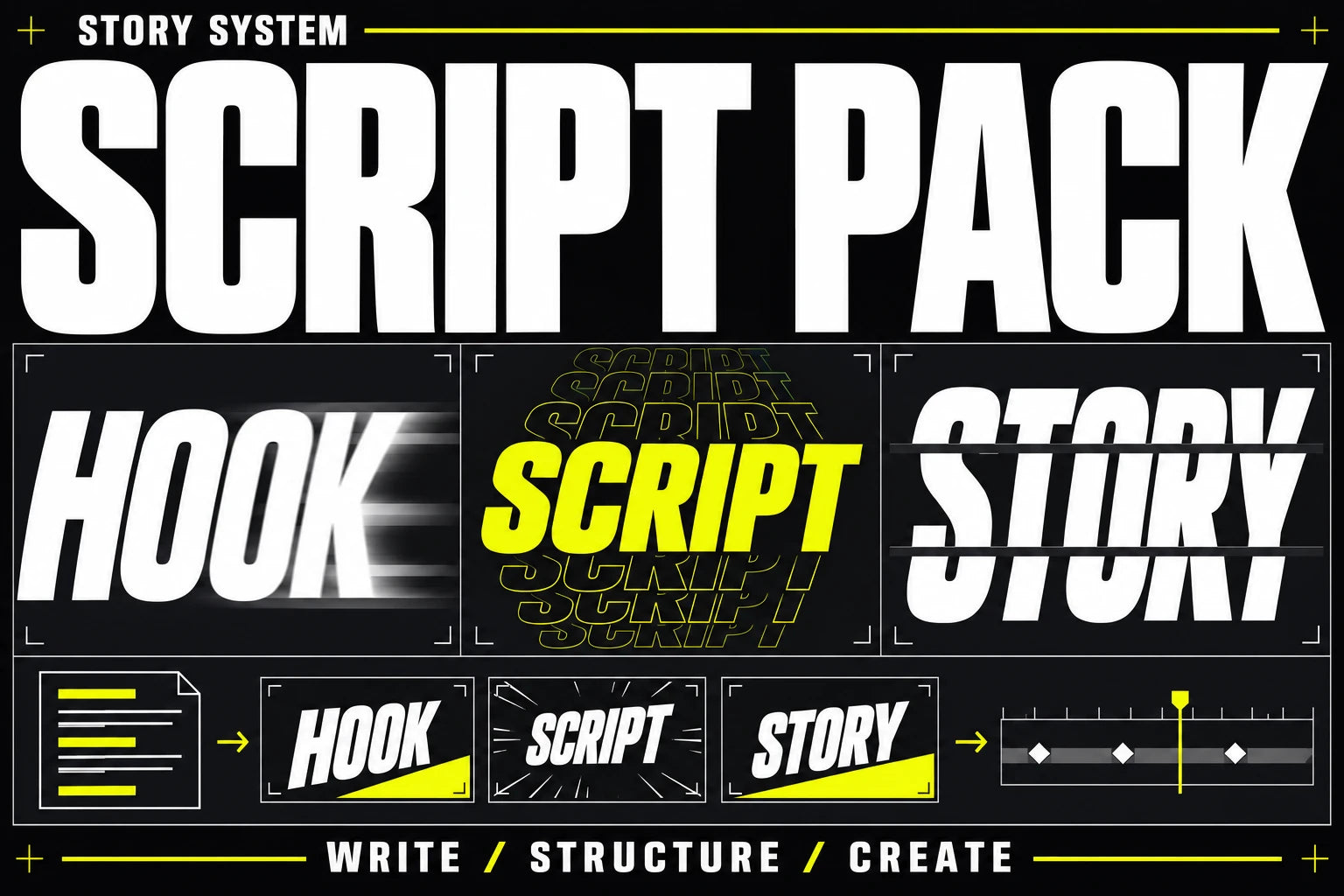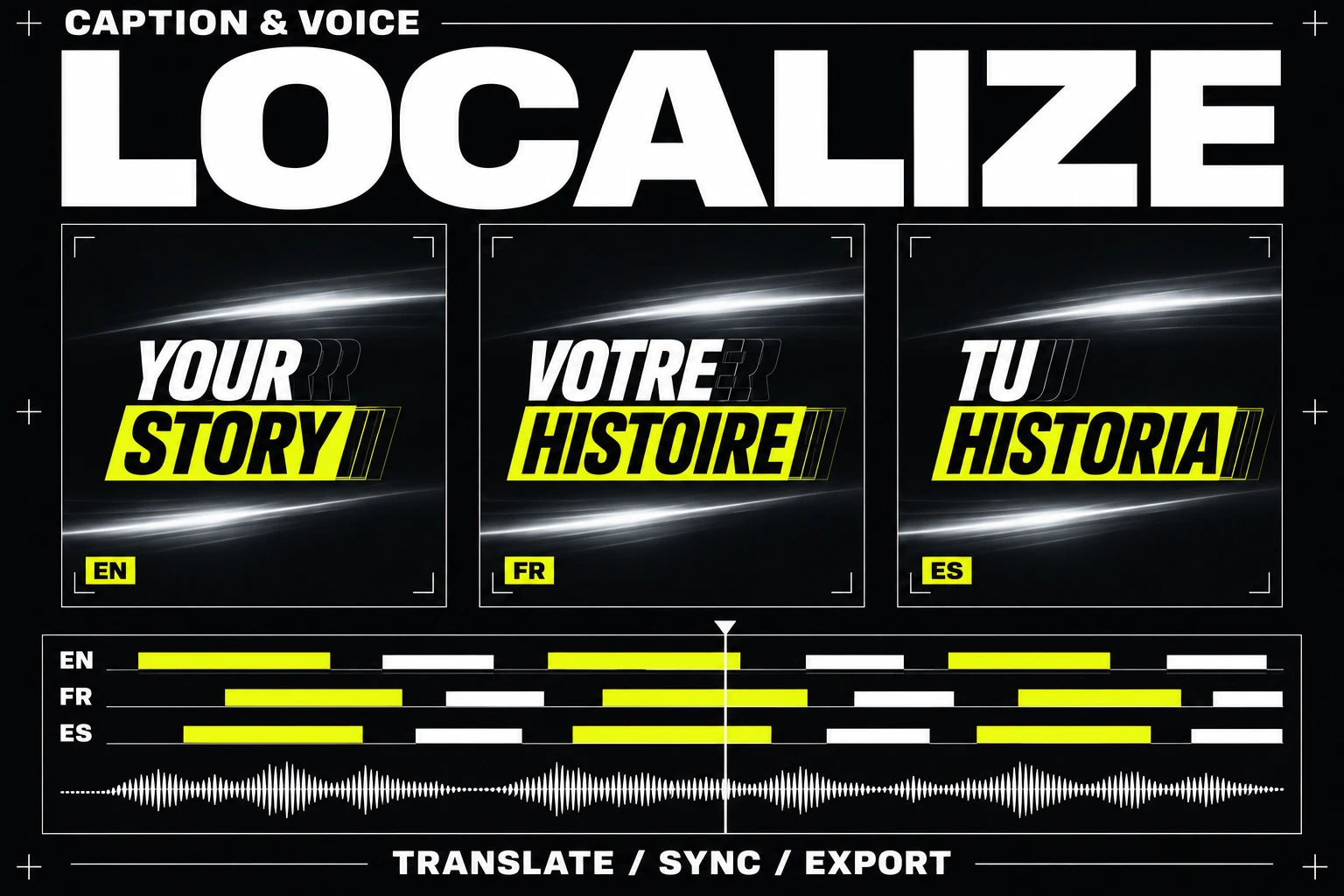
Real studio excerpts. A visual reference for your own work.
Don’t picture it.
Play it.
Real studio videos. Explore the styles, then bring your own idea.

Words that move
Words that move
A translation changes more than words. Adapt the hook, adjust caption lengths and revisit the voice timing so the new version keeps the intent of the original.
Adapt the script
- Multilingual script workflow
- Hook and phrasing adaptation
- Meaning and tone review guidance
Studio excerpts illustrate the visual direction. They are not live generation or guaranteed pack output.
See exactly
what’s inside.
The guide. The workbook. Your editable files.
Each file has a job. Select one to explore it.
Optional with any main pack, including Max. Use your own translation and voice services. Review localized output for accuracy and suitability before publishing.
guide.pdf
The complete illustrated version 1 setup guide, with a first project, copyable prompts, troubleshooting and the setup-success guarantee.
- Choose your coding agent
- Follow the first-project steps
- Check the result and resolve setup issues
A guide to the actual version 1 pack files. Select a file to see its purpose. Your purchased archive contains the files and setup instructions.
 Claude
 Codex
 Gemini
One folder.
Your AI.
Your next video.
- 01
Find the idea with Gump.
Research videos that worked. Find the hook and your own angle.
Explore Gump Affiliate link · Gump access is separate. - 02
Give your agent a direction.
Open the pack with Claude Code, Codex or Gemini. Add your script, voice and visual brief.
- 03
Make it. Refine it. Post it.
Review the motion and the final export. Keep the project ready for your next idea.
Is Localization Kit included in Max?
No. It is a separate optional workflow for adapting existing content into other languages.
Are translation and voice credits included?
No. Provider services and usage are separate from the one-time purchase of the toolkit.
Does it automatically translate every video?
The kit provides the workflow and templates. You run the process with your chosen tools and review the resulting script, captions and voice timing.
Which AI agent can I use?
The workflow supports Claude Code, OpenAI Codex or Gemini. Use your own account and follow the setup instructions for your chosen agent. Provider access and usage are separate.
How do I receive my pack?
After successful payment, open the download link on your order page or in your delivery email. Your archive includes the PDF guide, workbook and setup instructions.
What if I cannot get set up?
Follow the guide and contact @nostro_ai within 14 days of purchase if you still cannot produce your first video. We will help resolve the setup or refund the affected pack if it remains unresolved. Views, followers and a particular creative result are not guaranteed.