 STANDALONE DIGITAL KIT
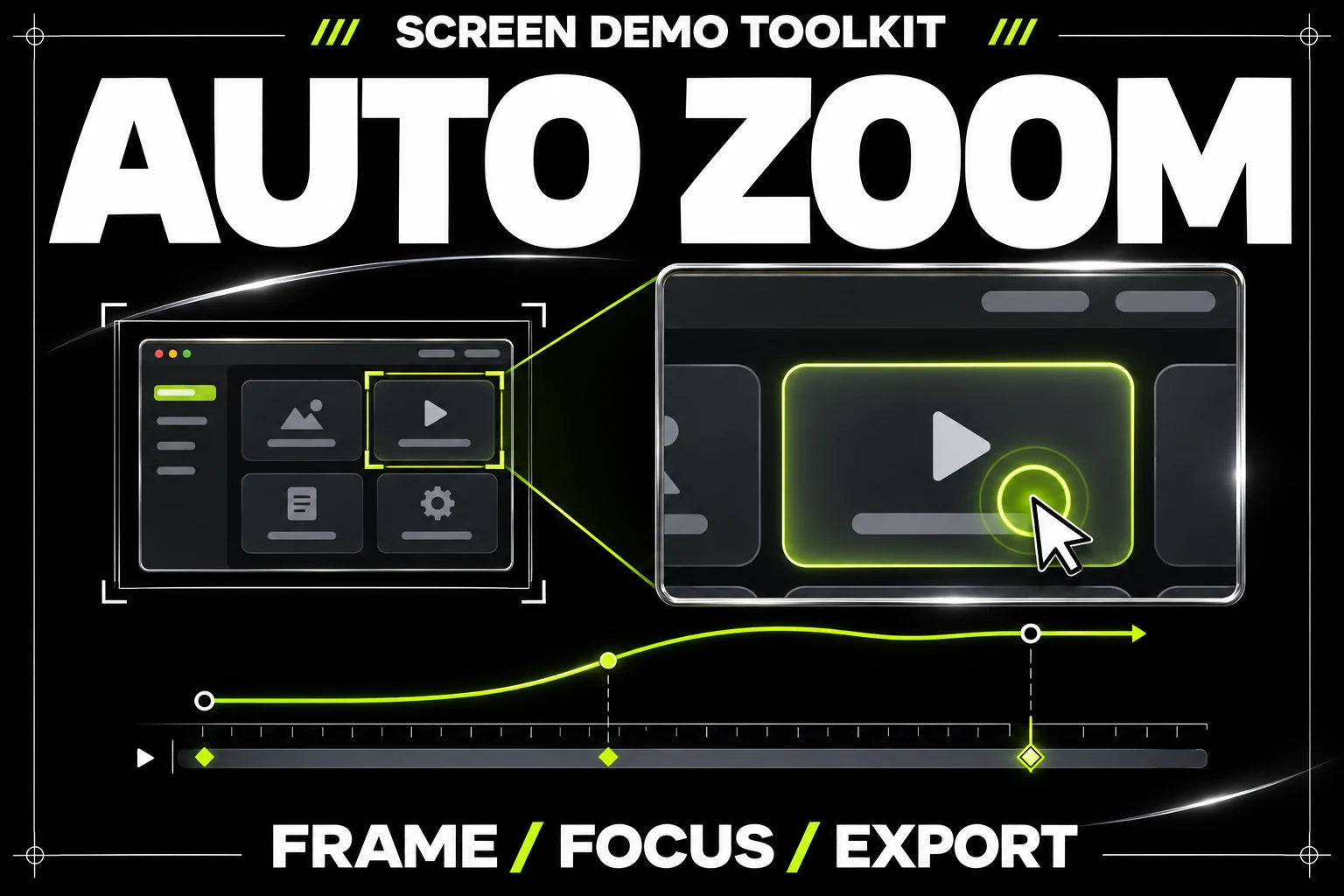
Pack concept cover. Explore the actual files and requirements below.
Open the kit.
Finish your project.
An editable zoom workflow for a screen-demo frame sequence, directed by the action targets you supply.
- Editable action-target JSON
- Explicit timing and focus points
- No automatic click detection
- Python zoom-rendering tool
- Pillow image processing
- FFmpeg video encoding
- Original demo-generation tool
- Example action map
- Synthetic MP4 reference
A focus map you control.
Record your screen, prepare the frames and log the moments that matter. The local renderer follows those targets so you can review the framing and revise the sequence.
Your action map
- Editable action-target JSON
- Explicit timing and focus points
- No automatic click detection
Use your own content and review the exported result. No main pack or paid AI service is required to run the local tools.
See exactly
what’s inside.
The guide. The workbook. Your editable files.
Each file has a job. Select one to explore it.
Standalone purchase. Python, Pillow and FFmpeg are required. Prepare a frame sequence from your own screen recording and provide the logged action targets. The tool does not detect clicks in an arbitrary MP4. No main pack or paid AI service is required.
guide.pdf
The complete illustrated version 1 setup guide, with a first project, copyable prompts, troubleshooting and the setup-success guarantee.
- Choose your coding agent
- Follow the first-project steps
- Check the result and resolve setup issues
A guide to the actual version 1 pack files. Select a file to see its purpose. Your purchased archive contains the files and setup instructions.
Your files.
Your settings.
Your output.
- 01
Prepare your frames.
Capture your own screen and remove private information. Follow the guide to prepare a frame sequence.
- 02
Log the actions.
Enter the times and focus targets in the action map. Check the coordinates against your recording.
- 03
Render and review.
Run the local zoom tool, encode with FFmpeg and review the complete video for readable framing and timing.
Does it automatically find clicks in any video?
No. You supply a frame sequence and logged action targets. The renderer follows that explicit action map.
Can I use client or customer screens?
Use only recordings you have permission to use, and remove passwords, personal data and other private information before capture or export.
Is it included in Max?
No. It is a separate standalone kit and does not require a main pack.
Which tools do I need?
Standalone purchase. Python, Pillow and FFmpeg are required. Prepare a frame sequence from your own screen recording and provide the logged action targets. The tool does not detect clicks in an arbitrary MP4. No main pack or paid AI service is required.
How do I receive my pack?
After successful payment, open the download link on your order page or in your delivery email. Your archive includes the PDF guide, workbook and setup instructions.
What if I cannot get set up?
Follow the kit guide and contact @nostro_ai within 14 days of purchase if you cannot produce the first audio, screen-demo video or PNG slide export for your kit. We will help resolve the setup or refund the affected pack if it remains unresolved. Views, followers and a particular creative result are not guaranteed.