 STANDALONE DIGITAL KIT
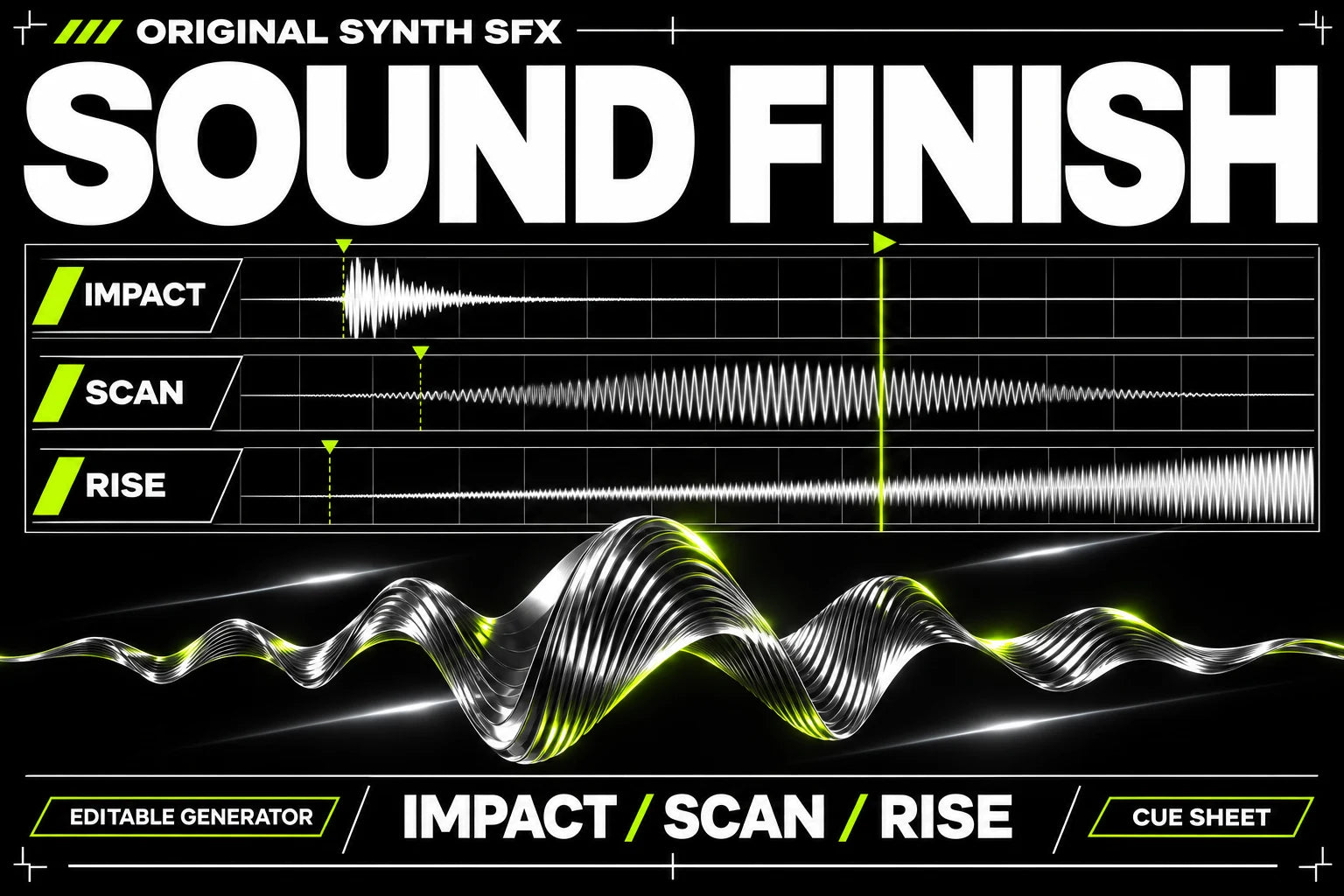
Pack concept cover. Explore the actual files and requirements below.
Open the kit.
Finish your project.
Eight original sound effects, editable cue sheets and a local WAV mixer for placing sound in your own edit.
- Editable Python tool
- Cue-sheet examples
- Setup and audio review guidance
- Original WAV effect files
- A synthetic audio demonstration
- No narration or music library
- Adjust and rerun your cue sheet
- Listen on your intended playback devices
- Optional video mux guidance with FFmpeg
Place the sound. Check the mix.
Start with your own recording or the supplied synthetic example. Set the cue times, run the local tool and listen to the result before using it in your edit.
A local finishing workflow
- Editable Python tool
- Cue-sheet examples
- Setup and audio review guidance
Use your own content and review the exported result. No main pack or paid AI service is required to run the local tools.
See exactly
what’s inside.
The guide. The workbook. Your editable files.
Each file has a job. Select one to explore it.
Standalone purchase. Python 3.10 or later and NumPy are required. Mixer inputs must be mono 16-bit PCM WAV at 44,100 Hz. Convert other formats with your own tools; FFmpeg can also add the output to a video. Supply your own recording or licensed source audio. No paid AI service or main pack is required.
guide.pdf
The complete illustrated version 1 setup guide, with a first project, copyable prompts, troubleshooting and the setup-success guarantee.
- Choose your coding agent
- Follow the first-project steps
- Check the result and resolve setup issues
A guide to the actual version 1 pack files. Select a file to see its purpose. Your purchased archive contains the files and setup instructions.
Your files.
Your settings.
Your output.
- 01
Choose your source audio.
Use your own WAV recording or the included synthetic example. Keep the original file unchanged.
- 02
Set the cues.
Edit the cue sheet to place the original sound effects at deliberate moments. Run the documented local command.
- 03
Listen and export.
Review levels and timing in the finished WAV. If needed, use the optional FFmpeg step to combine it with your own video.
Is a voice or music track included?
No. The kit includes eight original sound effects and a synthetic demonstration, not narration, music, voice-generation credits or third-party sound libraries.
Will it repair every recording automatically?
No. Review your source, settings and output. The kit is a local finishing workflow, not a guarantee that damaged or noisy audio can be restored.
Do I need Max or another pack?
No. This kit works independently and is purchased separately from Max.
Which tools do I need?
Standalone purchase. Python 3.10 or later and NumPy are required. Mixer inputs must be mono 16-bit PCM WAV at 44,100 Hz. Convert other formats with your own tools; FFmpeg can also add the output to a video. Supply your own recording or licensed source audio. No paid AI service or main pack is required.
How do I receive my pack?
After successful payment, open the download link on your order page or in your delivery email. Your archive includes the PDF guide, workbook and setup instructions.
What if I cannot get set up?
Follow the kit guide and contact @nostro_ai within 14 days of purchase if you cannot produce the first audio, screen-demo video or PNG slide export for your kit. We will help resolve the setup or refund the affected pack if it remains unresolved. Views, followers and a particular creative result are not guaranteed.